What Vuluru One does today, and where it’s going.
Bookkeeping and invoicing for small businesses. Here’s what’s built and running on our own books, and where we’re taking it.
A draft you can inspect.
Super Intelligence (SI) suggests where each line belongs, using your own books and rules. Code checks the figures, and nothing goes in until a person approves it.

Every suggestion is a draft first.
Where your books and rules support an answer, SI suggests where a bank line belongs and shows why. Where they don’t, you choose.
A draft stays out of your balances and reports. A person approves it before it goes into the books.
You can require an approver who didn’t create or last edit the draft.
How SI works ↗
What’s built now.
Built now means it runs on Vuluru’s own books today.
Invoices and customer payments
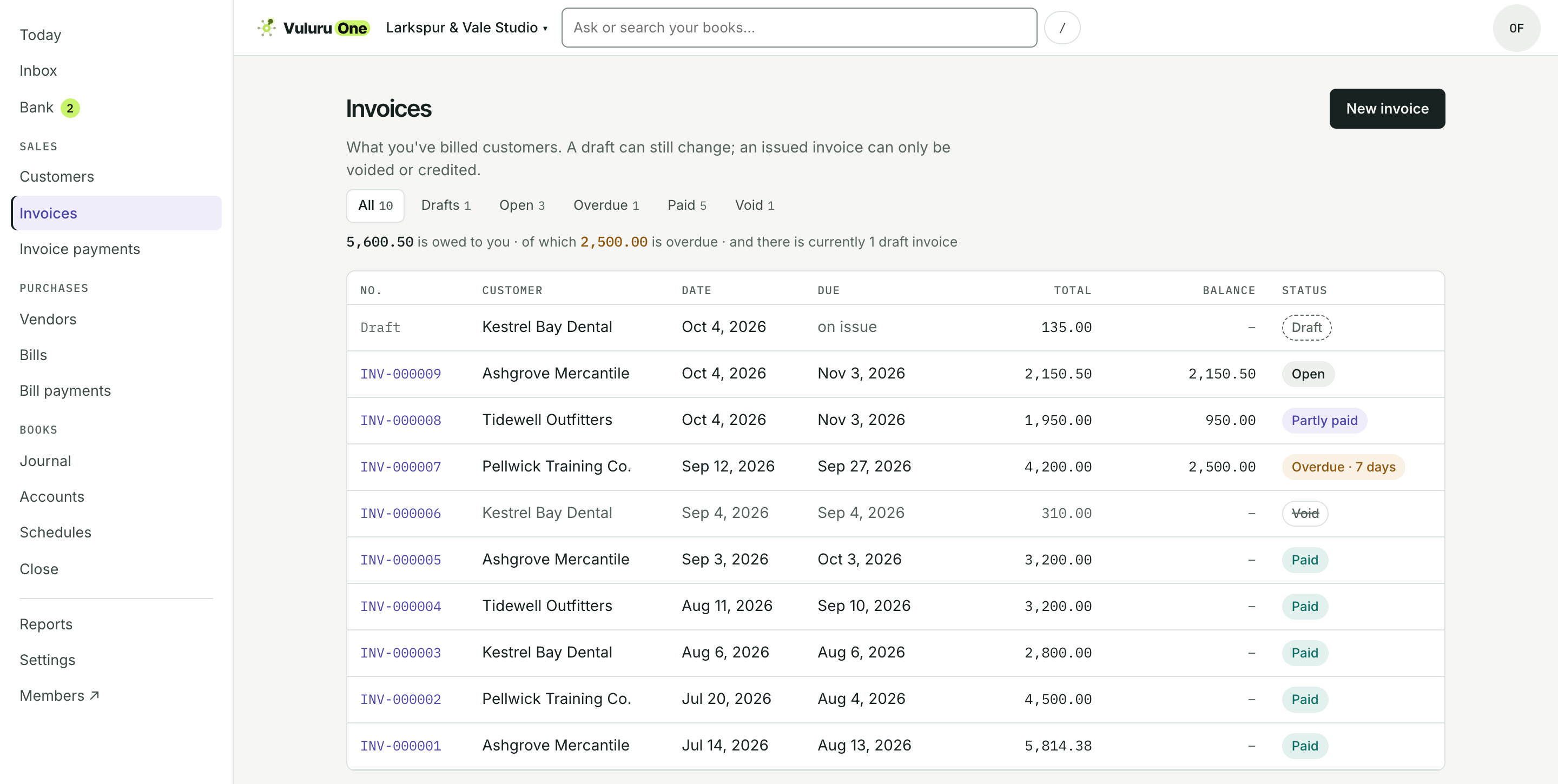
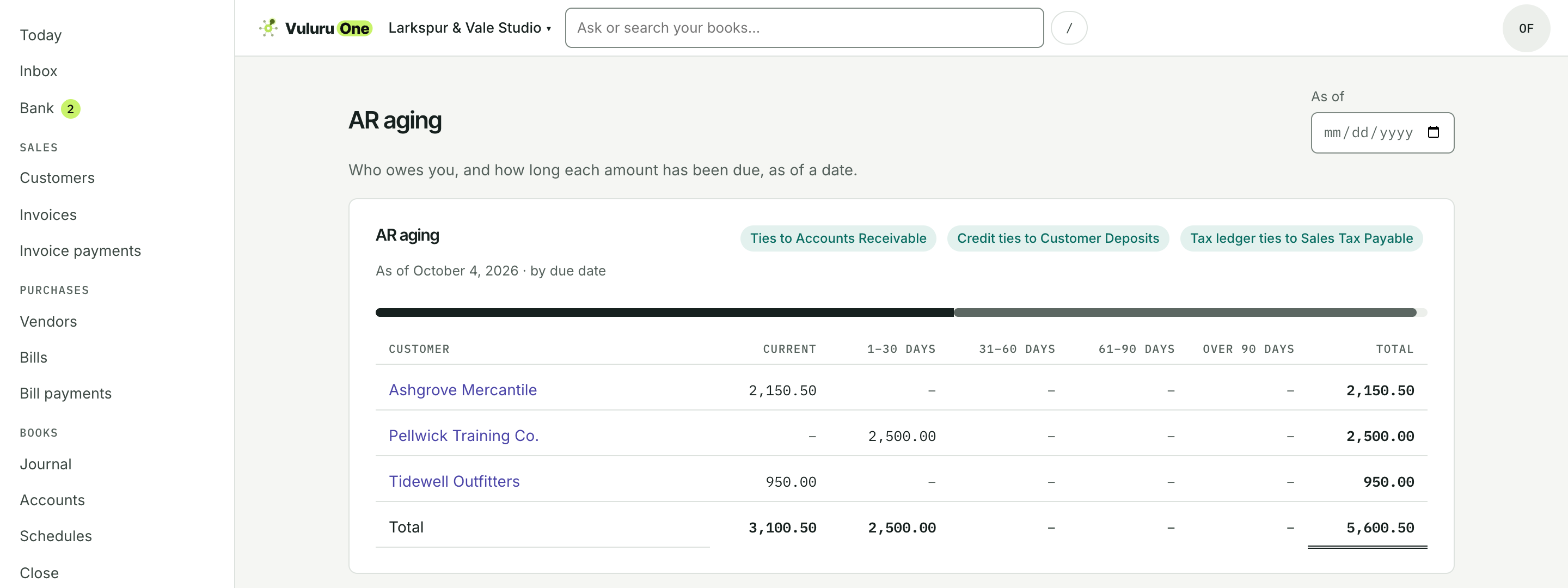
Create invoices and credit memos, and record customer payments. See who owes you and for how long in the receivables aging report, with totals that tie back to your books. Sales tax currently uses one company rate and customer exemptions; a taxable invoice can’t be issued without a rate.
Bills and vendor payments
Record bills, vendor credits and payments. The same bill can’t be entered twice. Recording a payment does not send money.
Bank lines from a file
Import bank lines from a file. Where your books and rules support an answer, SI suggests; a person approves.
Reports and month end
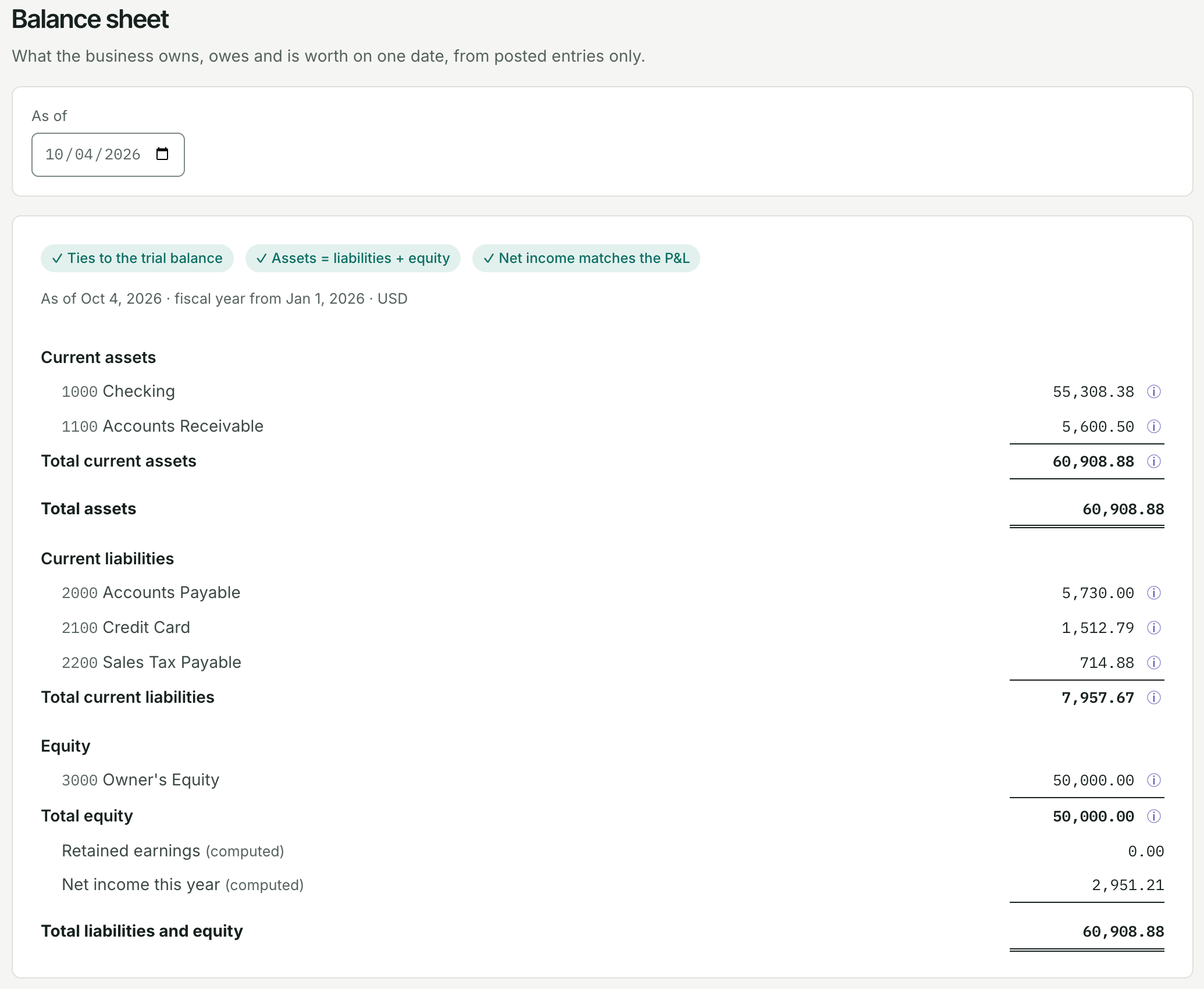
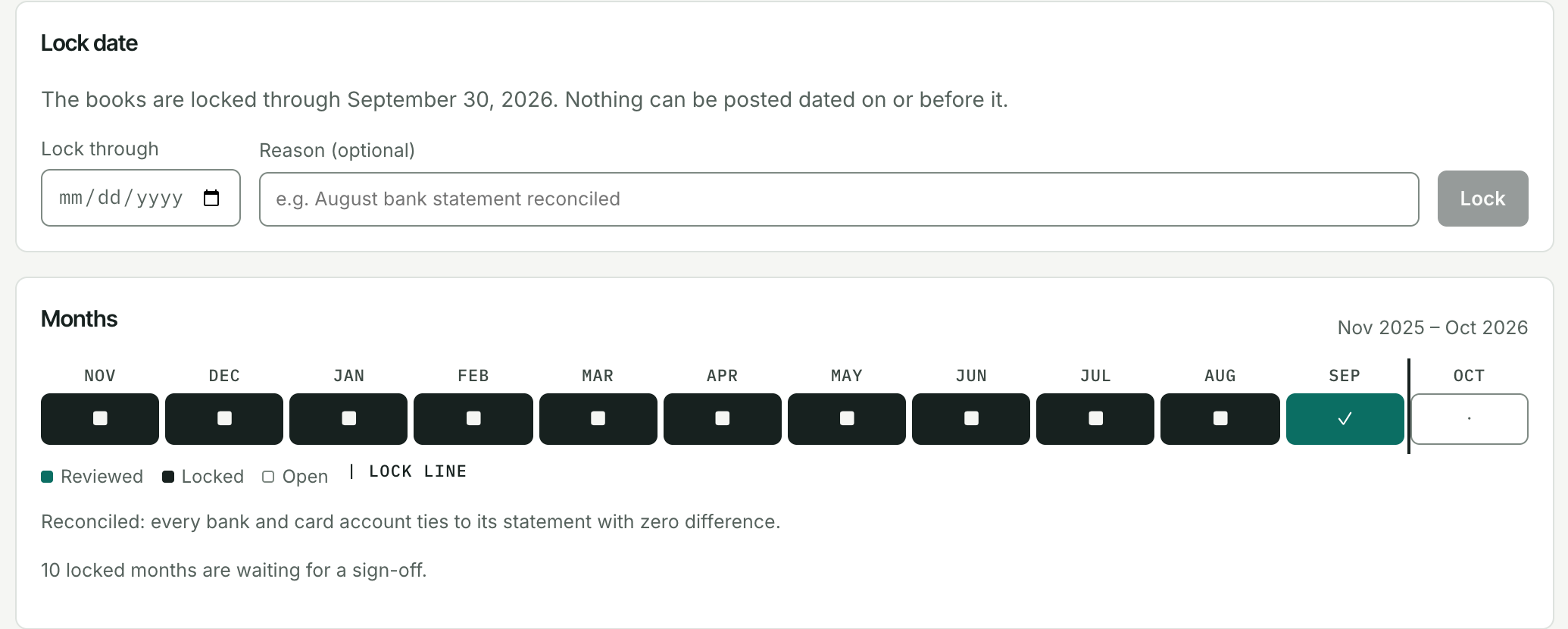
Trial balance, P&L and balance sheet tie to the entries. Lock a month; reopening is recorded and clears its review.

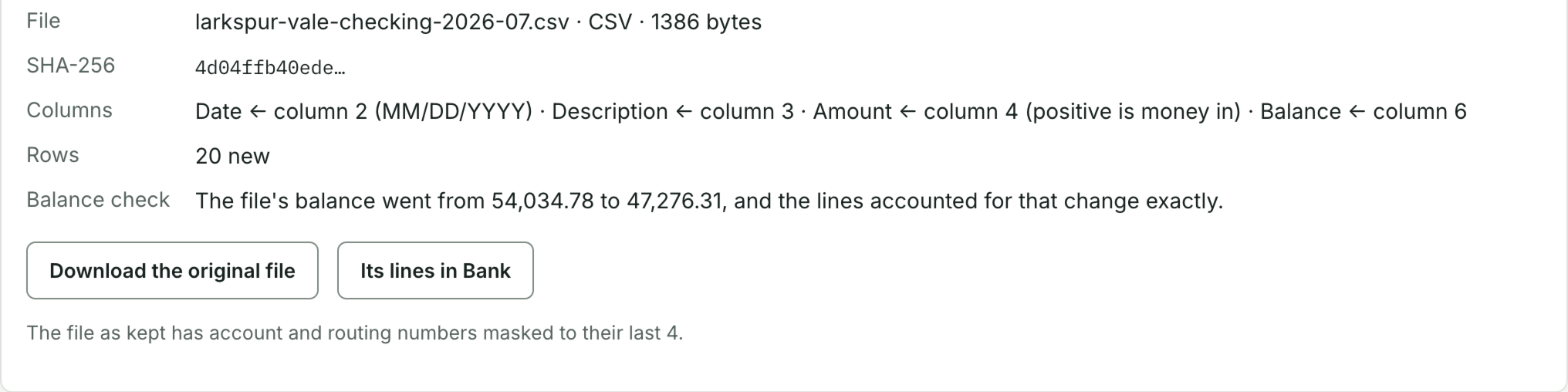
Your rules, with reasons.
Suggestions can use matching invoices or bills, transfers, your rules and past bookings. They stay drafts until a person approves.

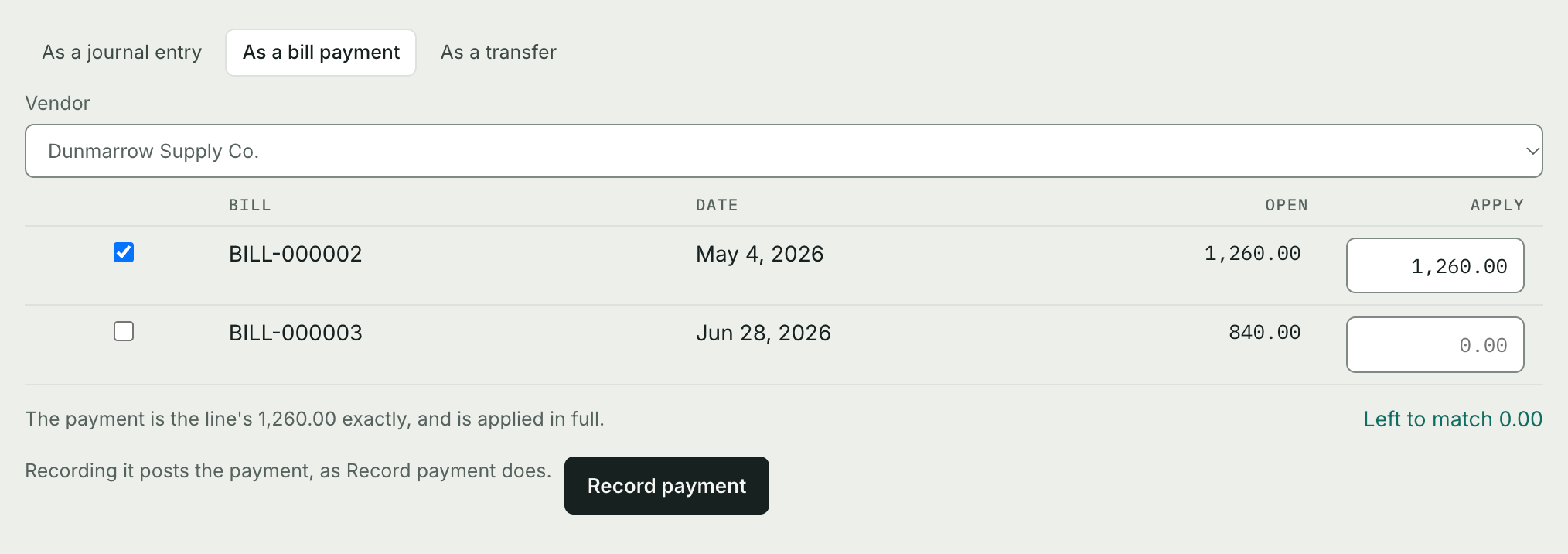
See the work in the books.
Real Vuluru One screens. Demo company, sample data.

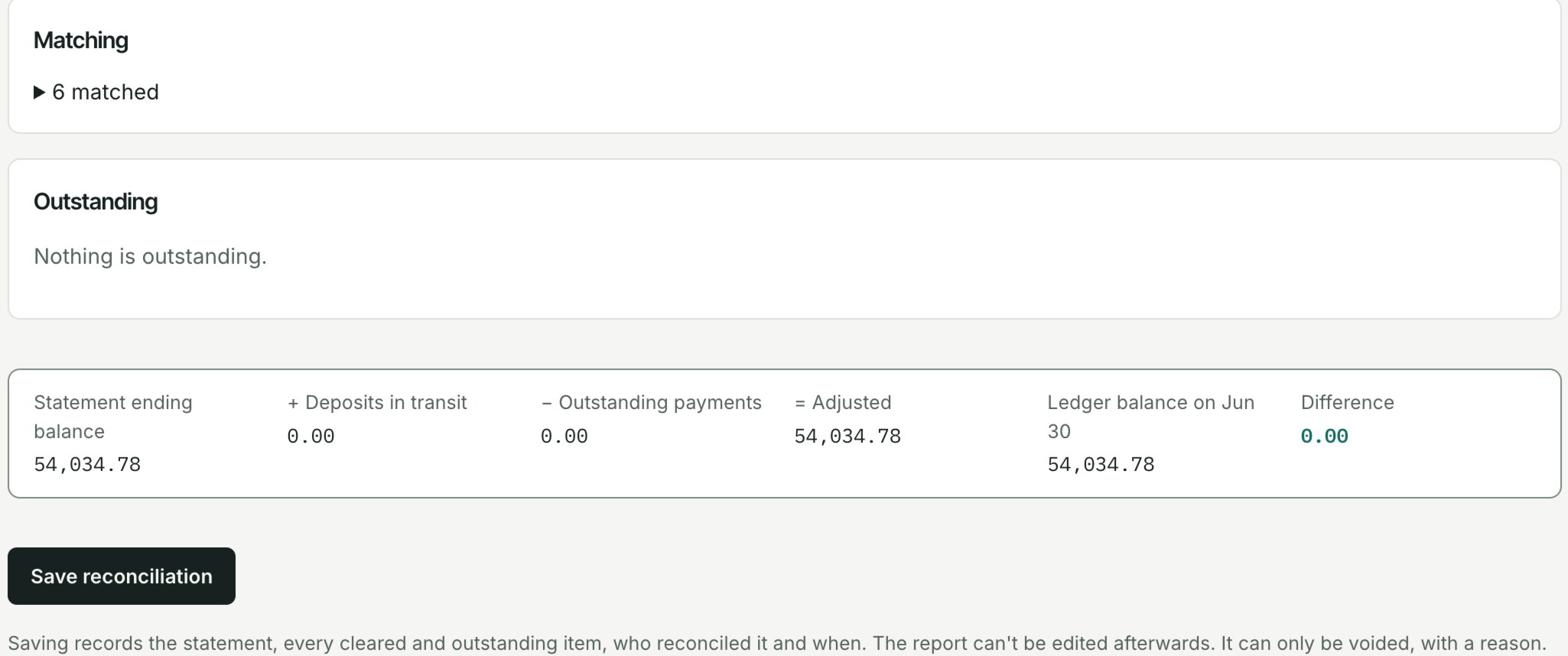

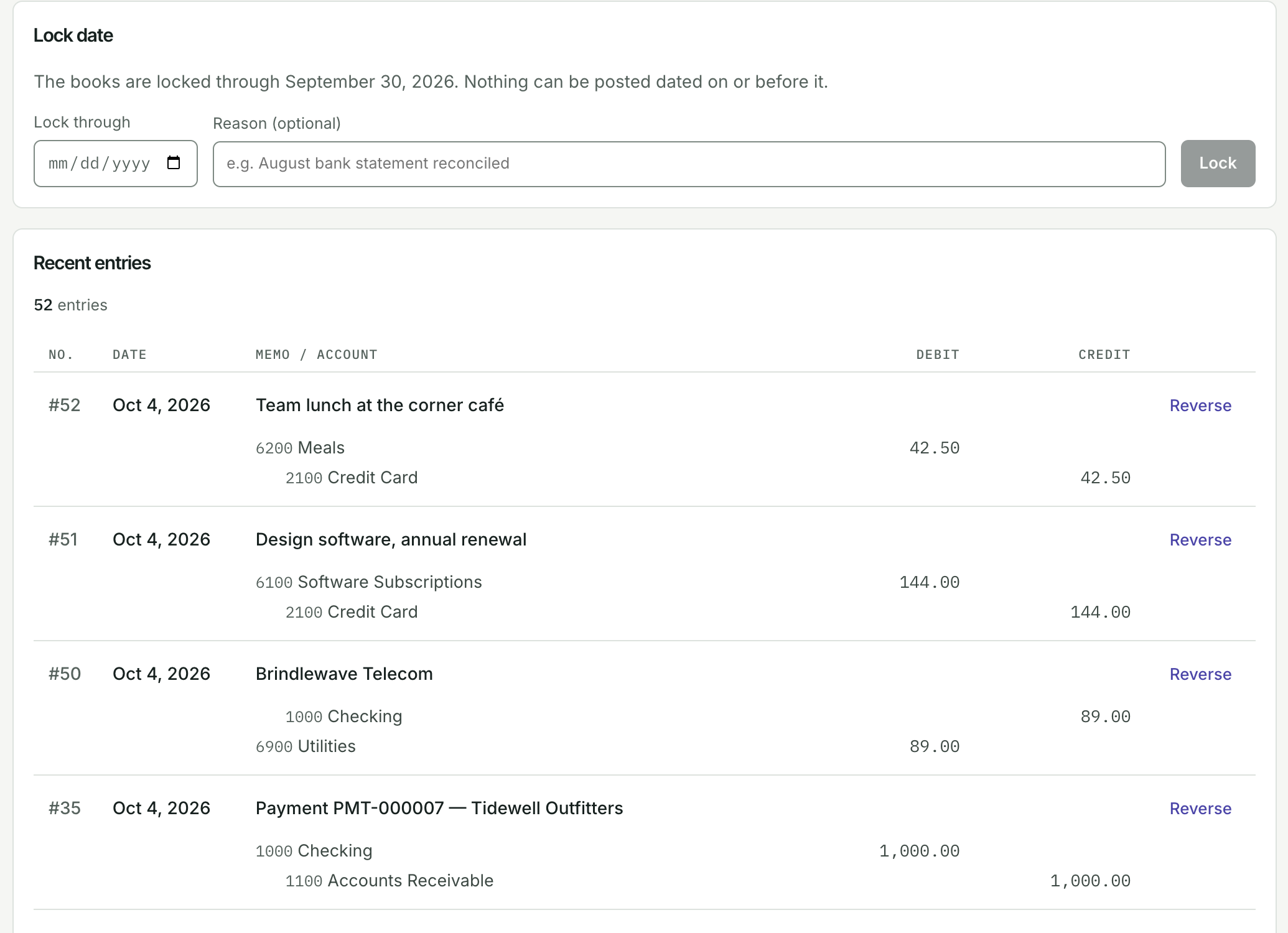
Where it’s going.
Invoice PDFs and email.*
You’ll be able to download an invoice as a PDF, or send it to your customer by email from Vuluru One.
Your bank, connected.
Built, and running on our own books, but not open to other companies yet. It’s a read-only connection, so your bank lines arrive without a file.
Statements and reminders.*
Customer statements and overdue reminders, with a person approving each reminder before it goes.
Moving your books over.*
You’ll be able to bring in an export from your current bookkeeping software, or a trial balance, check it on screen, and approve it before anything is written.
Ask, and draft, in plain English.*
You’ll be able to ask a question about your books and get the total with the entries behind it, or turn a sentence or a receipt into a draft for you to check.
Orders, stock and purchasing.*
The rest of the business, in the same place as its books.
Your own SI provider key.
Built, but not open to customer companies yet. Local stays the default. When it opens, an Owner can turn it on with a fresh passkey confirmation, after accepting our SI data addendum for that provider.
Talk about your books.
For small-business owners and the accountants who work with them. Tell us about your business and the bookkeeping you’d most like help with.
Vuluru One isn’t open to other companies yet. A conversation doesn’t create an account or reserve a pilot place.
More about Vuluru One
How SI works ↗
What it suggests today, and where it runs.
Understand the safeguards ↗
How the books are protected, and how approval works.